
Blog
What Are The Different Types Of Software?
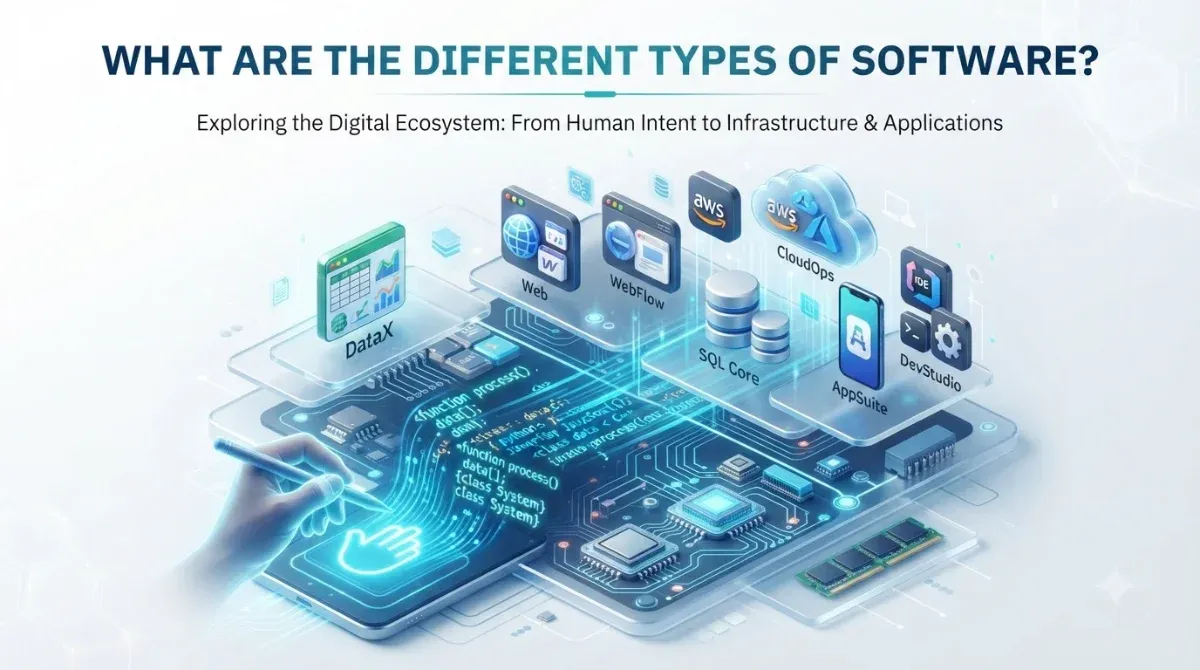
What are the different types of software?
Software falls into five main types: system software (operating systems, drivers), application software (the apps end users actually open), programming software (the tools developers build with), DevOps and automation software (deployment and infrastructure tools), and embedded software (code baked into physical devices). A second split runs across all five: proprietary versus open source, which is about who owns and controls the code, not what the software does.
Hardware on its own does nothing. A server without software is a box of silicon that draws power and produces heat. Software is the set of instructions that turns that box into something useful, and there’s a lot of it, which is why sorting it into types actually matters. Knowing which category a tool belongs to tells you who it’s for, where it runs, and how you’re expected to pay for and maintain it.
Here’s the map before we walk through each type.
| Type | Examples | Who it’s for |
|---|---|---|
| System software | Windows, Linux, device drivers | Runs and manages the hardware |
| Application software | Chrome, Photoshop, Salesforce | End users doing a task |
| Programming software | VS Code, GCC, Git | Developers building other software |
| DevOps and automation | Docker, Kubernetes, Ansible | Teams shipping and running apps |
| Embedded software | Router firmware, car ECUs | The device itself, invisibly |
1. System software
This is the layer that makes the hardware usable. The operating system (Windows, macOS, Linux) is the headline act: it decides which program gets the CPU, hands out memory, and manages files. Underneath and alongside it sit device drivers that translate the OS’s generic commands into instructions a specific graphics card or printer understands, plus utilities that handle housekeeping like backups and antivirus scans.
You rarely think about system software, which is the point. It’s doing its job when you don’t notice it.
2. Application software
Application software is everything you actually open to get something done. A browser, a spreadsheet, a photo editor, a CRM. These run on top of system software and are built around a task rather than around the machine.
This is also the broadest category by far, spanning consumer apps and heavy business tools alike. Salesforce for sales pipelines, SAP for running an entire company’s operations, QuickBooks for the books, Slack and Zoom for talking to each other. When a business commissions custom software, it’s almost always application software they’re after: a tool shaped to a workflow that off-the-shelf products don’t fit.
3. Programming software
These are the tools developers use to make everything else. Code editors like VS Code, compilers like GCC that turn human-readable code into something the machine can run, debuggers, and version control like Git. End users never touch this category; it exists purely so software can be built and maintained.
4. DevOps and automation software
As apps moved from single big codebases to networks of smaller services, a whole category grew up around shipping and running them reliably. Docker packages an app with everything it needs so it runs the same everywhere. Kubernetes juggles hundreds of those packages across servers, restarting anything that falls over. Tools like Ansible enforce consistent setups, and CI/CD pipelines automatically test and release new code so a human isn’t doing it by hand every time.
It’s plumbing, but it’s the plumbing that decides whether your product stays up at 3am.
5. Embedded software
Embedded software lives inside a physical device and usually does exactly one job forever. The firmware in a router that routes packets, the code in a car’s braking system, the logic in a smart thermostat. It runs on tiny amounts of memory, often has to react in real time, and typically operates with no screen and no human in the loop.
Proprietary vs open source: the split that cuts across everything
Proprietary software keeps its source code private and is licensed for a fee, with support and updates coming from one vendor. Open source software makes its code public and free to use and modify, with the community, or your own team, responsible for maintaining it. The trade-off is control and support versus flexibility and cost.
Every type above can be either. Windows is proprietary, Linux is open source; both are operating systems. The choice is less about the software itself and more about what you’re optimizing for.
Proprietary buys you a throat to choke: a vendor who supports the product, handles security patches, and gives you someone to call. The cost is licensing fees and lock-in, since you’re tied to that vendor’s ecosystem and roadmap. Open source flips it. No license fees, full access to change the code, and no single company holding your infrastructure hostage. The catch is that patching, security monitoring, and keeping dependencies current become your team’s problem. Neither is automatically better. It depends on whether you’d rather pay with money or with engineering time.
Frequently Asked Questions
What is software, in simple terms?
Software is a set of coded instructions that tells hardware what to do. It’s the reason a computer, phone, or router does anything useful instead of just sitting there drawing power. The two broadest categories are system software, which runs the machine, and application software, which helps you complete a task.
What are 5 examples of software?
Five common examples across the categories are: an operating system (Windows or Linux), a productivity app (Microsoft 365 or Google Workspace), a code editor (Visual Studio Code), a container platform (Docker), and embedded firmware (the code inside a router or IoT sensor). Together they span system, application, programming, DevOps, and embedded software.
What are 5 examples of system software?
Operating systems (Windows, macOS, Linux), device drivers for peripherals like printers and graphics cards, utility programs for tasks like backups and antivirus, bootloaders that load the operating system at startup, and language processors such as assemblers and linkers that turn code into machine-readable binaries.
What is the difference between system software and application software?
System software runs and manages the hardware and provides a foundation for other programs, an operating system being the main example. Application software runs on top of that foundation to help a person complete a specific task, like browsing the web, editing a document, or managing customer records.
Is open source software safe for business use?
Yes, open source is widely used in production by companies of every size, and public code often means bugs get spotted and patched quickly. The catch is that your team, not a vendor, is responsible for applying those patches and monitoring for vulnerabilities, so it needs someone owning that maintenance.
What type of software do most businesses need built custom?
Almost always application software: a tool shaped around a specific workflow that off-the-shelf products can’t handle well. Custom builds make sense when an existing process is too particular, too central, or too tied to your competitive edge to force into generic software.
Sources: